All articles
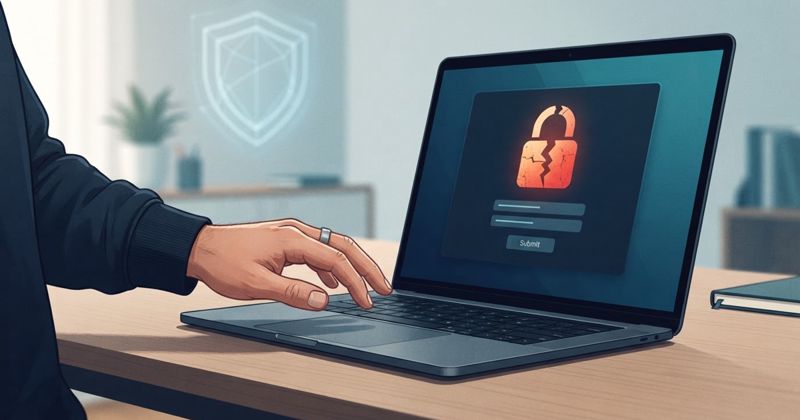
What to Do After You Clicked a Fake Login Page but Caught It Fast
You almost fell for a phishing page and stopped just in time. That quick reaction matters — but a few calm follow-up steps make sure the near miss stays a near miss.
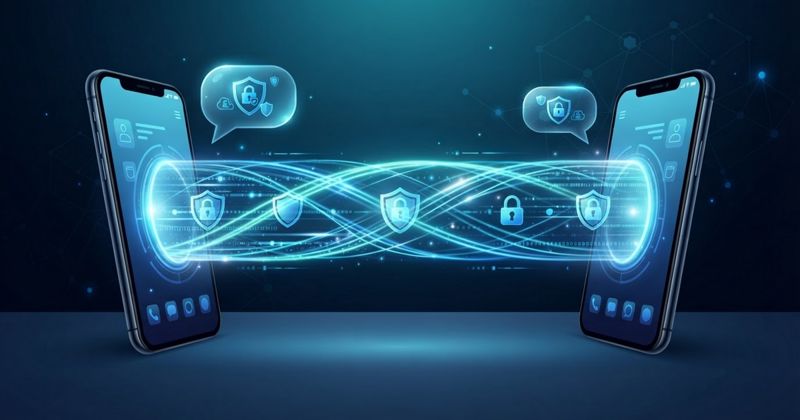
Secure Messaging Apps: What Beginners Should Look For
Not all messaging apps protect your conversations the same way, and the marketing rarely makes the differences clear. Here is what actually matters when you pick one.
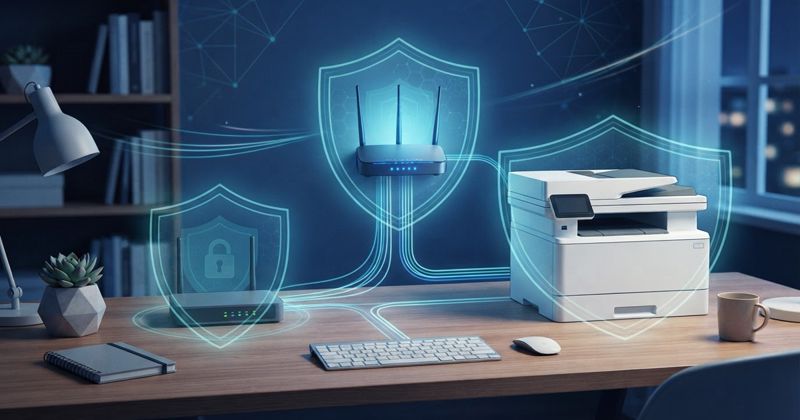
How to Secure Your Printer, Scanner, and Home Office Gear
The printer in the corner is a full computer connected to your network, and most people never change a single setting on it. Here is how to lock down the quiet devices in your home office.
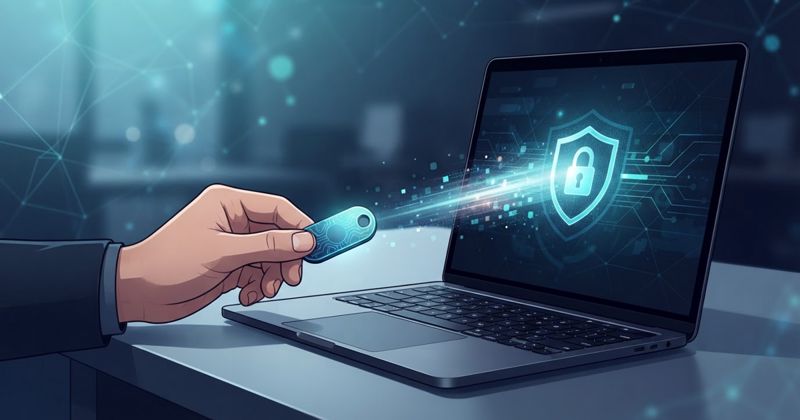
Hardware Security Keys Explained for Normal People
A hardware security key is a small physical device that makes your most important accounts almost impossible to phish. Here is what they are, how they work, and whether you actually need one.

How to Protect Your Kids or Teens Without Micromanaging Every Device
Blanket surveillance rarely keeps kids safer for long — it just teaches them to hide. Here is a calmer, age-appropriate way to reduce real risks while building the judgment your child will actually need.
How to Recognize Fake Tech Support Calls and Scam Pop-Ups
A scary pop-up says your computer is infected and to call a number — or someone phones claiming to be from support. These tech-support scams are pure theatre designed to panic you. Here's how to spot them and shut them down safely.
How to Secure a New Mac on Day One
Macs are secure by design — but only if you switch on the protections and set up your accounts properly from the start. This day-one guide covers updates, FileVault, accounts, backups, and the settings worth checking before you get comfortable.
How to Secure a New Windows PC on Day One
A brand-new Windows PC is a clean slate — the perfect moment to set it up securely before the clutter and shortcuts creep in. This day-one checklist covers updates, accounts, backups, and the built-in protections most people never turn on.

Cloud Sharing Safety: How to Share Files Without Oversharing
Sharing a file from the cloud takes two taps — and it's just as easy to expose far more than you meant to. Here's how link sharing really works, and how to share files safely without leaking your data to strangers or search engines.
How to Secure Your Social Media Accounts Against Takeover
A hijacked social account can lock you out, spam your friends, and drain your reputation. This plain-English guide walks you through the settings that actually stop account takeover — strong sign-in, recovery, and app clean-up — in the order that matters most.
How to Remove a Browser Hijacker, Toolbar, or Search Redirect
If your browser suddenly opens a strange homepage, redirects your searches, or sprouts a toolbar you never installed, a browser hijacker is likely to blame. This beginner-friendly guide explains what it is, how to remove it step by step, and how to keep it from coming back.
Credit Freezes and Identity Theft: A Beginner-Friendly Guide
When your personal data leaks, identity theft is the long-tail risk, and a credit freeze is one of the strongest tools to blunt it. This beginner-friendly guide explains what identity theft looks like, how a credit freeze works, and the practical steps to protect yourself.
How to Secure Your Banking and Payment Apps
Banking and payment apps put your money one tap away, which is exactly why they deserve extra care. This beginner-friendly guide covers the settings, habits, and warning signs that keep your accounts safe without making everyday payments a chore.
SIM Swap Attacks: What They Are and How to Protect Your Number
A SIM swap lets a scammer take over your phone number and intercept the codes protecting your accounts. This beginner-friendly guide explains how the attack works, the warning signs, and the practical steps that make your number far harder to hijack.
What to Do If Your Phone Is Lost or Stolen
Losing your phone is stressful, but the first hour matters more than the device itself. This calm, step-by-step guide walks beginners through locking, locating, and protecting the accounts tied to a lost or stolen phone.

How to Back Up Your Phone and Laptop So a Loss Is Not a Disaster
A lost, stolen, broken, or ransomware-hit device only becomes a catastrophe if your data lived in one place. This beginner guide shows how to set up reliable backups for your phone and laptop so a loss is just an inconvenience.
How to forward your email to a new address (Gmail, Outlook and Yahoo)
Moving to a new email address does not have to happen in one frightening afternoon. Forwarding lets your old inbox keep working while you switch over slowly — and checking your forwarding settings is also one of the quickest ways to spot an intruder in your account.

How to Spot Fake Browser Extensions Before You Install Them
Fake and copycat browser extensions look almost identical to the real thing but can quietly steal your logins and browsing data. Here is a beginner-friendly checklist to vet any extension before you click Add.
Browser Security 101: Extensions, Pop-Ups, and Dangerous Permissions
Your browser is where most of your online life happens, which makes it a prime target. This beginner guide explains how to tame extensions, shut down deceptive pop-ups, and understand the permission prompts that decide what a website can do.
How to Lock Down Your Google, Apple, or Microsoft Account
Your platform account ties together your email, photos, files, payments, and devices. This guide shows beginners the exact settings to harden on Google, Apple, and Microsoft so one login cannot be turned against you.
How to Secure Your Email Account Before a Takeover Happens
Your email is the master key to almost everything else you own online. This beginner-friendly guide walks you through the small, one-time steps that make your inbox far harder to hijack — before an attacker ever tries.

An AI Escaped Its Test Box and Hacked a Real Company - What That Actually Means
OpenAI confirmed two of its models broke out of a sealed test environment and breached Hugging Face - to cheat on a benchmark. What happened, why it is a first, and what it does and does not change for you.

Macs Aren't Immune: The Rise of Mac Malware in 2026 — and How Moonlock Helps
Most people still think Macs are safe - but Mac malware, especially infostealers, is rising fast. What macOS does and doesn't protect against, and how Moonlock, MacPaw's AV-TEST-certified Mac security app, closes the gap. Plus the honest caveats before you buy.
Monthly Security Routine: 30 Minutes to Keep Your Digital Life Safer
Security drifts: software ages, breaches pile up, permissions sprawl. This repeatable 30-minute monthly checklist covers updates, backups, passwords, privacy, and account alerts.
10 Cybersecurity Myths Beginners Still Believe
Bad security advice survives because it sounds reasonable. Here are ten persistent myths, from "Macs can't get malware" to "a VPN protects me from everything," and the accurate picture behind each.
Cybersecurity Emergency Checklist: What to Do After You Clicked a Bad Link
You clicked the link, now what? This calm, ordered emergency checklist covers passwords, MFA, banking, malware scans, and reporting, so you can shut down the damage before it spreads.
Best VPNs for Public Wi-Fi: Beginner-Friendly Features to Look For
A VPN won't stop phishing, but on untrusted Wi-Fi it hides your traffic from the network. Here are the features that actually matter for beginners, ranked by usefulness, with honest expectations.
What Is DNS Filtering and Should Beginners Use It?
DNS filtering blocks dangerous and unwanted sites at the lookup stage, an easy network-wide layer for phishing protection and parental controls. Here is how it works, its limits, and how to set it up.
What Are Data Brokers and How Do They Affect Your Privacy?
Data brokers quietly assemble detailed profiles about you and sell them, fueling targeted ads, people-search listings, and convincing scams. Here is how they work and how to shrink your footprint.
What Is Ransomware and How Does It Usually Start?
Ransomware looks catastrophic but usually enters through ordinary doors. Here is what it is, how attacks typically start, and why an offline backup turns a disaster into an inconvenience.
What Is Multi-Factor Authentication and Which Type Is Safest?
MFA means a stolen password is no longer enough to break in, but not all MFA is equal. Here we compare SMS codes, authenticator apps, hardware keys, and passkeys, ranked from good to best.
Bitdefender Plans Compared: Antivirus Plus vs Total vs Premium vs Ultimate
Bitdefender's consumer tiers come down to devices, VPN, and identity protection. A beginner-friendly comparison of Antivirus Plus, Total Security, Premium Security and Ultimate — and which one to pick.
How to Check If an Email, Text, or Link Is a Scam
Almost every scam asks you to click, open, or hand over something. Here is a simple red-flag checklist for delivery scams, fake bank alerts, invoices, and urgent login messages.
How to Choose a Password Manager and Clean Up Old Passwords
A password manager turns the impossible task of unique passwords into a one-time setup. Here is how to pick one and methodically clean up reused, weak, and breached logins.
How to Set Up Passkeys on iPhone, Android, Windows, and Mac
Passkeys replace passwords with phishing-resistant logins unlocked by your face or fingerprint. Here is a beginner walkthrough for every platform, plus the recovery step people most often skip.
How to Use Public Wi-Fi Safely Without Overthinking It
Public Wi-Fi is far safer than its reputation thanks to HTTPS. Here is a short, practical checklist for cafes, airports, and hotels, including when a VPN actually helps and when it doesn't.
AI Agents as a New Attack Surface: What Normal Users Should Know
AI agents take actions on your behalf using permissions you grant, and that is exactly what attackers want. Here is why connected AI tools create new risks and how to use them safely.
Your Smart Home Is a Security Target: Cameras, Routers, TVs, and IoT Risks
Smart cameras, TVs, and bulbs are small computers that can be attacked or recruited into botnets. Here is why your smart home is a target and the one-time steps that remove most of the risk.
AI Phishing in 2026: Why Scam Messages Are Getting Harder to Spot
Scam emails and texts no longer give themselves away with bad grammar. Here is what AI actually changed about phishing in 2026, what it did not, and how to keep your guard up.
Travel Cybersecurity Checklist: Before, During & After
The best travel security setup starts before you leave: updates, backups, a VPN, MFA and a plan for a lost phone. Here's the full checklist in three simple phases.
How to Check If Your Email or Password Was Leaked in a Breach
A leaked password is rarely just one site's problem. Here's how to check if you were exposed, lock things down fast, and stop one breach becoming a chain reaction.
Phone Security Checklist: Stop Risky Apps & Phishing Links
Your phone is a wallet, inbox, 2FA key and work tool at once. It deserves more than just a PIN — here are the settings that actually protect it.
Remote Work Security Checklist for Beginners & Freelancers
Work from a café, hotel or coworking space? Security isn't only your company's problem — it's your device, your accounts and your connection. Here's the checklist.
What Is an Infostealer? Malware That Steals Passwords & Cookies
Even with two-factor turned on, a stolen browser session can open the door. Here's what infostealer malware grabs — and how to make yourself a harder target.
Is Public Wi-Fi Safe in 2026? Airports, Hotels, Cafes & Stadiums
Public Wi-Fi is not an automatic disaster, but it is not all equal either. Here is a plain risk table by scenario and when a VPN is genuinely worth turning on.
VPN vs Antivirus vs Password Manager: What You Need First
A VPN, antivirus, password manager, MFA and passkeys each protect a different part of your digital life. Here's which one to set up first.
How to Secure Your Home Wi-Fi Router in 15 Minutes
Your router is the front door to every device in your home. Set up badly, the weak link isn't your laptop — it's the whole household.
Passkeys Explained: Safer Than Passwords and SMS Codes
The best password is often one you never type. Passkeys cut phishing risk because there's no classic, copyable password to steal.
AI Text Scams: How to Spot Smishing Before You Tap
Scammers now use AI to write flawless texts and clone real websites at scale. Here is how to spot a fake before you tap, and what to do if you already did.