What to Do After You Clicked a Fake Login Page but Caught It Fast
You almost fell for a phishing page and stopped just in time. That quick reaction matters — but a few calm follow-up steps make sure the near miss stays a near miss.
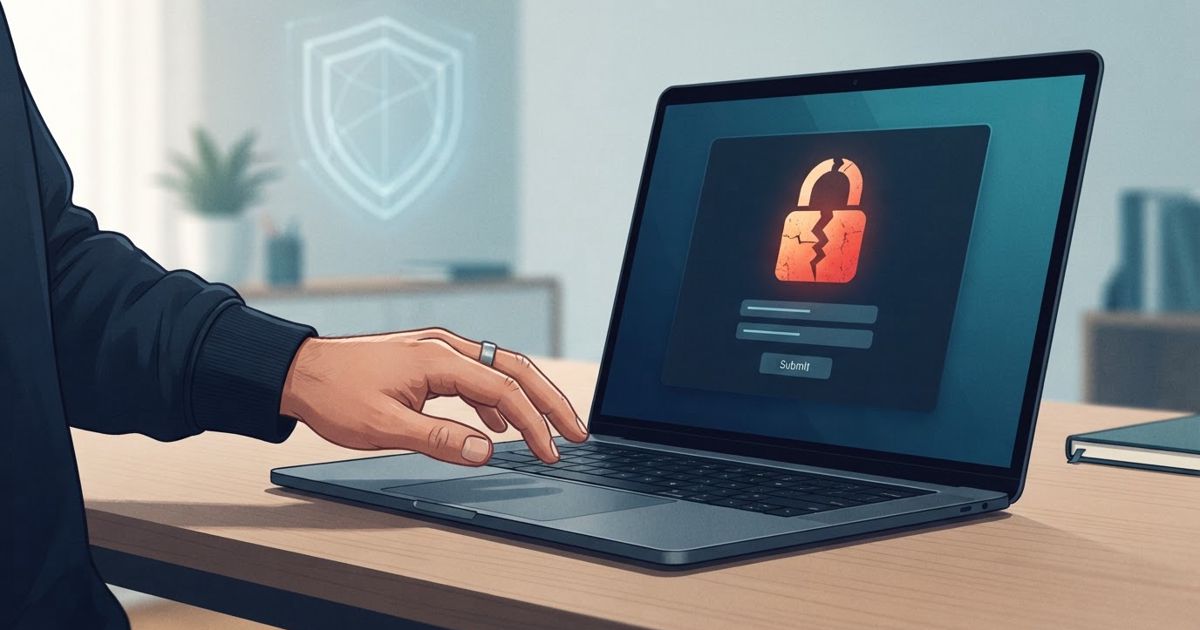
Table of contents
- First, don't panic — and don't ignore it either
- Stage 1: You clicked the link but typed nothing
- Stage 2: You started typing but stopped partway
- Stage 3: You entered your password and maybe hit submit
- After the password: check for damage and back doors
- If the account can reset other accounts, widen the circle
- Learn the tell so next time is easier
It happens to careful people all the time. A message looks real, you tap the link, a familiar-looking login screen appears — and a half-second later something feels off. The web address is subtly wrong, or the page just does not sit right. You stop. That instinct is genuinely valuable, and catching it fast puts you in a strong position. But "I think I caught it" is not the same as "I am fine," so it is worth spending a few calm minutes to be sure.
The right response depends on exactly how far you got. Work through the stage that matches you.
First, don't panic — and don't ignore it either
Two reactions are equally unhelpful: spiralling into fear, and shrugging it off because "I closed it in time." Neither serves you. Take a breath, close the fake page, and do not tap anything else on it — not a second link, not a "cancel" button that might itself be a trap. Then figure out which of the situations below you are in.
Stage 1: You clicked the link but typed nothing
If you opened the page but never entered your username or password, you are almost certainly fine. A phishing page's whole goal is to harvest what you type; if you typed nothing, it collected nothing.
Still, do two quick things:
- Close the page and do not enter anything. Do not "just check" by logging in.
- Consider whether merely loading it could have done more. For a plain phishing page, simply viewing it is low risk. If the link instead triggered a file download or an app-install prompt, treat that more seriously — do not open the file, and run through a full after-a-bad-link checklist to be safe.
Then get on with your day. A clicked-but-untouched phishing page is the best possible outcome.
Stage 2: You started typing but stopped partway
Maybe you typed your username, or part of your password, before you froze. Assume the worst about anything you typed, because some phishing pages capture keystrokes as you go rather than only when you hit "submit."
- If you entered any part of your password, change that password now (see the how-to below).
- If you only entered your username or email, no secret was exposed — but note that the scammers now know that address is active and may target it again. Stay alert for follow-up messages.
Stage 3: You entered your password and maybe hit submit
This is the stage that needs real action, and speed helps. Treat the password as compromised and move quickly but methodically.
1. Change the password immediately — on the real site. Open a new browser tab and type the website's real address yourself, or use your bookmark or the official app. Do not use any link from the suspicious message. Log in and change your password.
2. Make the new password unique. If that same password was used anywhere else, those accounts are now at risk too. The clean fix is a password manager so every account has its own password; change any account that shared the old one.
3. Turn on or check multi-factor authentication. If the account offers MFA and you had not enabled it, turn it on now. This is what stops a stolen password from being enough on its own — MFA still protects you even when the password is already out.
4. Watch for the code request — and never give it. A common follow-up: right after you submit your password to the fake page, the scammer tries to log in to the real account, which sends you a legitimate verification code. The fake page then asks you to enter it. Never type a verification code into a page you arrived at from a link. A code handed over this way defeats your MFA entirely.
After the password: check for damage and back doors
Changing the password is the headline, but a thorough person checks that nothing was quietly altered:
- Sign out other sessions. Most accounts have a "log out all devices" or "active sessions" option. Use it to kick out anyone who may have gotten in.
- Review security settings. Check that your recovery email, phone number, and any forwarding or "trusted device" settings are still yours. Attackers often add a back door so they can return later.
- Look at recent activity. Scan for logins, sent messages, or changes you did not make.
- If it was a financial account, watch transactions closely for a while and alert the bank if anything looks off.
If the account can reset other accounts, widen the circle
Some accounts are keys to your whole digital life — your primary email most of all, because it can reset the password on nearly everything else. If the account you exposed is one of these, do not stop at fixing it. Work through the first accounts to secure after any exposure and change passwords on the important services that email could unlock.
Learn the tell so next time is easier
Once you are safe, it is worth a moment to notice what tipped you off, because it sharpens your instinct for next time. The reliable tell is almost always the web address: phishing pages live on look-alike or unrelated domains, never the real one. Bookmarking the login pages you use most, and getting into the habit of checking whether a message is a scam before you tap, turns catching it fast from luck into a habit.
Catching a fake login page in the moment is a small win worth being proud of. Follow it with a few deliberate steps — matched to how far you actually got — and a scare that could have cost you an account becomes nothing more than a good story about the time you almost got got, and didn't.