Network & Wi-Fi Security
Your network is the road every byte of your data travels on — at home and out in the world. This section covers both ends: the public Wi-Fi you borrow at airports, hotels, cafés and stadiums, and the home router that quietly guards everything in your house.
For public networks, we explain what's actually risky in 2026 and what isn't — when modern HTTPS already protects you, and when a VPN is a sensible extra layer for privacy on a network you don't control. For your home, we give a plain 15-minute checklist: change the default admin password, use WPA3 or WPA2, update the firmware, turn off WPS and separate your smart devices onto a guest network.
Every guide draws on consumer guidance from sources like the FTC, CISA and the NSA, and stays beginner-friendly. We position a VPN honestly: useful on untrusted Wi-Fi and for privacy from the local network or ISP, but not a replacement for good router settings or account security.
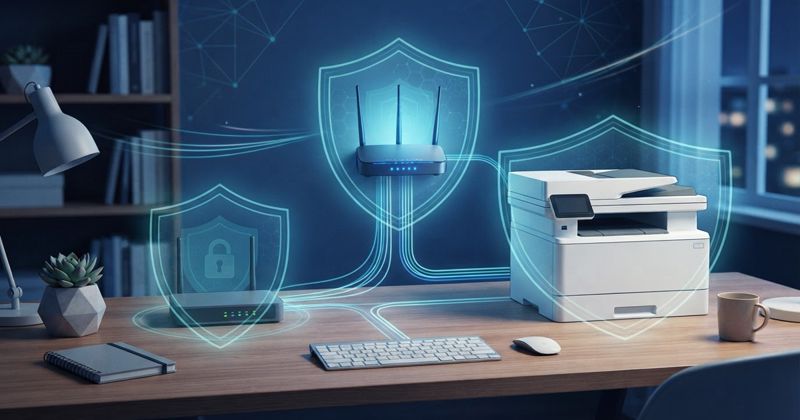
How to Secure Your Printer, Scanner, and Home Office Gear
The printer in the corner is a full computer connected to your network, and most people never change a single setting on it. Here is how to lock down the quiet devices in your home office.
What Is DNS Filtering and Should Beginners Use It?
DNS filtering blocks dangerous and unwanted sites at the lookup stage, an easy network-wide layer for phishing protection and parental controls. Here is how it works, its limits, and how to set it up.
How to Use Public Wi-Fi Safely Without Overthinking It
Public Wi-Fi is far safer than its reputation thanks to HTTPS. Here is a short, practical checklist for cafes, airports, and hotels, including when a VPN actually helps and when it doesn't.
Your Smart Home Is a Security Target: Cameras, Routers, TVs, and IoT Risks
Smart cameras, TVs, and bulbs are small computers that can be attacked or recruited into botnets. Here is why your smart home is a target and the one-time steps that remove most of the risk.
How to Secure Your Home Wi-Fi Router in 15 Minutes
Your router is the front door to every device in your home. Set up badly, the weak link isn't your laptop — it's the whole household.
Is Public Wi-Fi Safe in 2026? Airports, Hotels, Cafes & Stadiums
Public Wi-Fi is not an automatic disaster, but it is not all equal either. Here is a plain risk table by scenario and when a VPN is genuinely worth turning on.