 Featured
TotalAV and Total Drive Early Black Friday 2026: $19 for the First Year, What You Actually Get
Total Security has relabelled its checkout as an Early Black Friday offer: TotalAV Plus with three device licences for $19, or Total Drive's 500 GB backup with TotalAV and Total Adblock licences for the same $19. We read both checkout pages, list what is included, explain the $99 renewal and the monthly downsell, and say which one to take.
Latest articles
View all →
Total Adblock Review: What It Blocks, What the Free Tier Hides, and the $99 Renewal
Total Adblock is a paid ad blocker with a support desk and current YouTube coverage, sold at $19 for the first year. The free tier is a demo, the renewal is $99, and it works on every major browser except Firefox. Whether it is worth paying for when good blockers are free.
SUPERAntiSpyware Pro X Review: The Second-Opinion Scanner That Still Earns Its Place
SUPERAntiSpyware is not an antivirus and does not pretend to be. It removes the toolbars, hijackers, adware and unwanted programs that live in the grey zone your main scanner ignores. What the free edition does, what Professional X adds for $19.99, and how to run it next to Windows Defender.
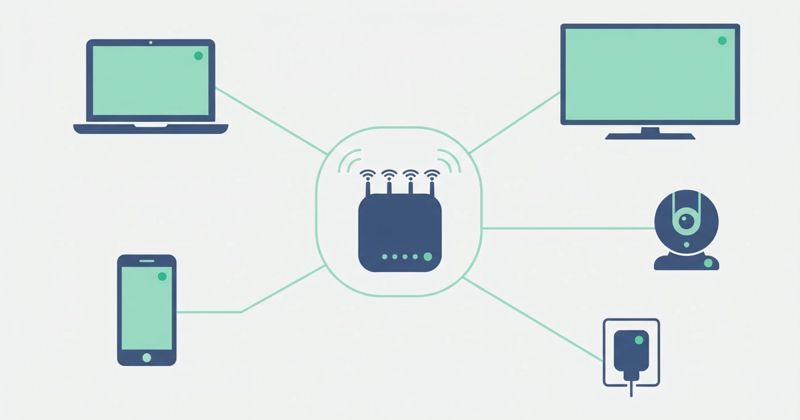
Scoutafi Review: A Home Network Scanner, Antivirus, VPN and Scam Checker From a New US Brand
Scoutafi starts with your router rather than your PC: a scanner that lists every device on your Wi-Fi and flags outdated firmware, plus an antivirus, a VPN and a web-based scam checker. What each piece does, what it costs in the US, and which parts are proven.
TotalAV Review: A Beginner-Friendly Antivirus With a Renewal You Must Watch
TotalAV is cheap in year one, lab-certified, and easy to understand. It is also built around upsells and a renewal several times the introductory price. What it protects against, what each plan includes, and how to buy it without being surprised in month twelve.

What to Do After You Clicked a Fake Login Page but Caught It Fast
You almost fell for a phishing page and stopped just in time. That quick reaction matters — but a few calm follow-up steps make sure the near miss stays a near miss.

Secure Messaging Apps: What Beginners Should Look For
Not all messaging apps protect your conversations the same way, and the marketing rarely makes the differences clear. Here is what actually matters when you pick one.