Secure Messaging Apps: What Beginners Should Look For
Not all messaging apps protect your conversations the same way, and the marketing rarely makes the differences clear. Here is what actually matters when you pick one.
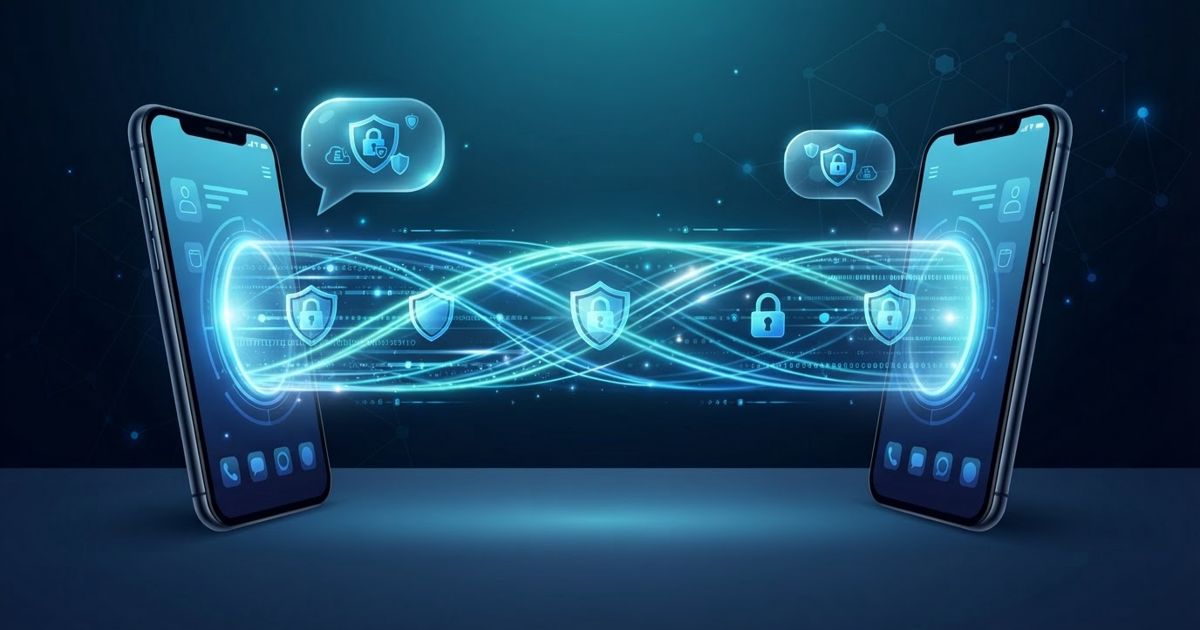
Table of contents
Every messaging app claims to be secure. The word gets stamped on marketing pages regardless of what the app actually does, which leaves ordinary users with no real way to compare. The good news is that you do not need to be a cryptographer to choose well. A handful of concepts, once you understand them, let you cut through the claims and pick a messenger that genuinely protects your conversations.
The one feature that matters most: end-to-end encryption
If you remember only one term, make it end-to-end encryption, often shortened to E2EE. It means your message is scrambled on your device and can only be unscrambled on the recipient's device. Nobody in between — not the app's company, not your internet provider, not someone snooping on the network — can read the contents.
The important contrast is with apps that use encryption only "in transit." Those scramble your message on the way to the company's servers, but the company can read it there. That may be fine for a pizza order and a poor choice for anything private.
Two practical points beginners miss:
- Check whether it is on by default. Some apps offer end-to-end encryption only if you switch into a special "secret" or "private" mode, and use weaker protection for ordinary chats. An app that protects everything by default is safer for real life, because security you have to remember to turn on is security you will forget.
- It has to cover group chats, calls, and attachments too, not just one-to-one text.
Look past the message to the metadata
Even with perfect encryption of the message content, apps differ enormously in how much they know about your conversations — who you talk to, when, how often, and from where. This is called metadata, and it can be surprisingly revealing on its own.
You cannot audit this yourself, but you can ask two simple questions:
- How little does the app collect? Prefer services that are open about collecting as little as possible. Some can operate without even requiring your real identity.
- What would it have to hand over if compelled? An app that genuinely holds almost no data cannot surrender much. An app tied to a large advertising business has different incentives and usually keeps more.
Content and metadata are two separate promises. Strong messengers are good at both; weaker ones brag about the first and stay quiet about the second.
The backup trap almost everyone falls into
Here is a subtle problem that catches even careful people. Your messages can be perfectly end-to-end encrypted in the app — and then quietly backed up to a cloud service in a form the cloud provider can read. At that point the encryption you were relying on no longer protects the copy.
So when you evaluate an app, look at how it handles backups:
- Does it offer an encrypted backup, protected by a password or key only you hold?
- If it backs up to a general cloud service, is that backup itself encrypted end to end?
- Can you turn cloud backups off entirely if you prefer?
A private messenger with an unprotected cloud backup is a locked front door next to an open window.
Useful extras worth having
Beyond the core, a few features add real, practical protection:
- Disappearing messages. Setting messages to auto-delete after a period limits how much history sits on either phone if a device is lost or stolen.
- An app lock. A separate PIN, fingerprint, or face unlock on the messenger keeps chats private even if someone picks up your unlocked phone.
- Contact verification. Better apps let you confirm you are really talking to the right person — often by comparing a code or scanning a QR — which defends against impersonation.
- Screen-security options that hide message previews on your lock screen and block screenshots in sensitive chats.
Signs an app is not as private as it claims
A few red flags should give you pause:
- Encryption is off by default, or only available in a special mode.
- The company's business model is advertising, and it is vague about what it collects.
- There is no way to protect or disable cloud backups.
- The app asks for sweeping permissions it has no obvious need for — your full contact list access is normal for a messenger, but constant location or unrelated access is not.
That last point ties into general phone hygiene: it is always worth reviewing which apps have which permissions and trimming anything excessive.
Security is more than the app
Finally, a private messenger protects the pipe, not the person on the other end. Two habits matter regardless of which app you choose:
- Verify who you are actually talking to. Encryption guarantees only that the message reaches the intended device, not that the person messaging you is who they claim. Account takeovers and impersonation are common, so treat unexpected requests — for money, codes, or urgent action — with the same suspicion you would apply to any message that might be a scam.
- Protect the account itself. Turn on multi-factor authentication or a registration PIN so someone cannot hijack your number and step into your conversations.
Choosing a secure messenger comes down to a short checklist: end-to-end encryption on by default, minimal data collection, backups you control, and a company whose incentives match your privacy. Get those right and the marketing word "secure" finally means something.