Your Smart Home Is a Security Target: Cameras, Routers, TVs, and IoT Risks
Smart cameras, TVs, and bulbs are small computers that can be attacked or recruited into botnets. Here is why your smart home is a target and the one-time steps that remove most of the risk.
Table of contents
A modern home is full of small computers that do not look like computers: a video doorbell, a couple of cameras, a smart TV, a robot vacuum, smart bulbs, and the router quietly tying them all together. Each one is convenient. Each one is also a device that can be attacked, used to spy, or quietly recruited into a criminal network. The good news is that securing them is mostly a one-time chore, not a constant battle.
This guide explains why smart devices are targets, what can actually go wrong, and the handful of steps that remove most of the risk.
Why attackers care about your smart home
A single smart bulb has no valuable data on it. So why bother? Two reasons.
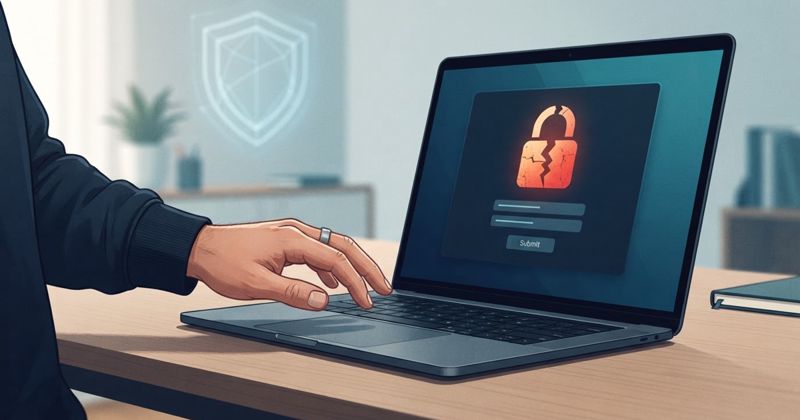
First, a weak device is a doorway. The UK's National Cyber Security Centre (NCSC) puts it plainly: a device is not secure "if a criminal can guess the password used to access your smart device. This would allow them to log into your device, and use it to access your network." Once inside your network, an attacker is much closer to the devices that do hold valuable data, like your laptop or phone.
Second, your devices are useful in bulk. Criminals herd thousands of poorly secured cameras and routers into networks called botnets, then rent them out to launch attacks on websites and services. You may never notice; your gadget just becomes a tiny, unpaid soldier in someone else's operation.
The four real risks
Default and weak passwords. Many devices once shipped with the same factory password. The NCSC notes that as of April 2024, UK law forbids manufacturers from using easily guessable default passwords, but plenty of older devices are still in homes.
Missing updates. Smart devices run software that, like any software, develops security flaws. Without updates those flaws stay open. The NCSC advises switching "on the option to install automatic updates (if available)."
Privacy exposure. Cameras and microphones can be accessed by whoever controls the device. A compromised camera is a window into your home.
Abandoned devices. Manufacturers eventually stop releasing security patches. The NCSC suggests treating a device's support end date as a "use by" date, because unsupported devices only get more hackable over time.
A practical hardening routine
You do not need to do everything at once. Work through this list device by device.
| Step | Why it matters |
|---|---|
| Change every default password | Stops the easiest, most automated break-ins |
| Turn on automatic updates | Closes security flaws without you remembering to |
| Enable two-factor verification where offered | Blocks access even if a password leaks |
| Disable features you do not use | Remote access and open ports you never touch are pure risk |
| Check the support end date before buying | Avoids paying for a device that will soon be abandoned |
| Factory reset before reselling or binning | Wipes your data and accounts off the device |
What about the router?
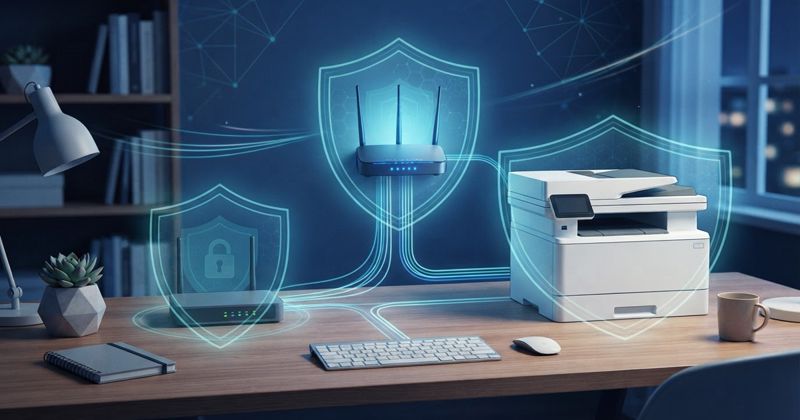
The router deserves special attention because it is the front door to everything else. Change its admin password, keep its firmware updated, and use modern Wi-Fi encryption. If your router supports a guest network, put smart gadgets on it. That way a compromised bulb or camera is isolated from the laptop where you do your banking.
Bottom line
Your smart home is a collection of small, internet-connected computers, and attackers treat them that way, both as doorways into your network and as raw material for botnets. The defence is unglamorous but effective: kill default passwords, keep everything updated, isolate gadgets on a guest network, and retire devices that no longer get security patches. Do it once per device and the ongoing effort is close to zero.
Sources and further reading
Sources
- NCSC: Smart devices — using them safely in your home ncsc.gov.uk