Hardware Security Keys Explained for Normal People
A hardware security key is a small physical device that makes your most important accounts almost impossible to phish. Here is what they are, how they work, and whether you actually need one.
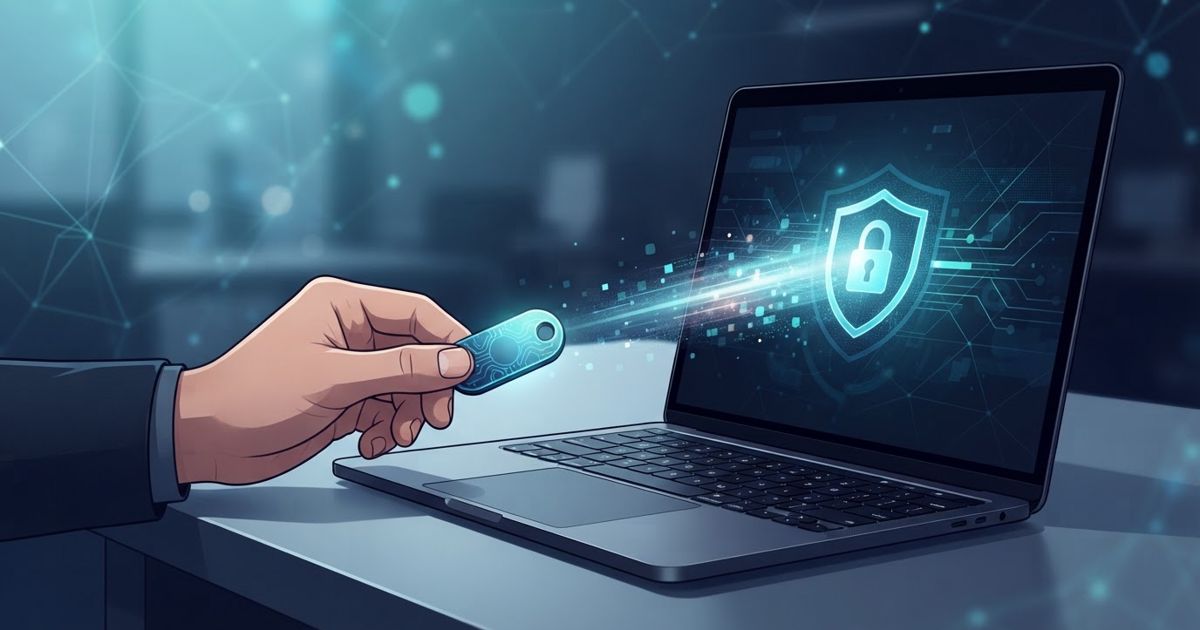
Table of contents
You have probably heard that the strongest way to protect an account is a "hardware security key," usually mentioned in the same breath as words like FIDO and phishing-resistant. It sounds like something only IT departments care about. In reality a security key is one of the simplest and most reliable protections a normal person can add — and understanding it takes about five minutes.
What a security key actually is
A hardware security key is a small physical device, roughly the size of a house key or a USB stick, that plugs into your phone or computer or taps against it wirelessly. Its only job is to prove, to a website, that you are physically present and logging in. You register the key with an account once. After that, signing in requires having the key in your hand and giving it a tap.
That physical requirement is the whole point. A password can be stolen, guessed, or leaked in a breach. A code from a text or an app can be phished out of you by a convincing fake page. A physical key sitting in your pocket cannot be copied over the internet, and — crucially — it refuses to work on a fake website at all.
Why it beats codes and texts at stopping phishing
This is the part that makes security keys special, so it is worth understanding rather than taking on faith.
When you use a texted code or an authenticator app, a scammer can build a fake login page, trick you into entering your password and the code, and instantly replay both on the real site. The code has no idea which site asked for it. This is exactly the weakness that makes SMS and app codes the weakest form of MFA.
A security key works differently. During setup it silently records the exact web address of the real site. When you log in, the key checks the address of the page asking for it. If a scammer sends you to a look-alike domain, the address does not match, and the key simply refuses to respond — there is nothing for you to accidentally hand over. The phishing attack fails even if you were completely fooled by the fake page. That is what people mean by "phishing-resistant," and codes cannot offer it.
How you actually use one
In practice a security key is less fussy than an app:
- Setup: In an account's security settings, choose to add a security key, then insert or tap the key and touch its button when prompted. Repeat for each important account.
- Signing in: Enter your username and password as usual, then when asked, insert or tap the key and touch it. That is the whole interaction — no code to type, nothing to copy from another device.
- Connection types: Keys come in versions for USB-C, USB-A, and NFC (tap-to-phone). Pick one that matches the ports on the devices you use most.
There is no battery to charge and nothing to update. It is a deliberately "dumb," single-purpose object, which is part of why it is so trustworthy.
Keys, passkeys, and MFA — how they fit together
These terms get tangled, so here is the simple map. A security key is a type of physical multi-factor authentication: something you have, added on top of your password. Passkeys use the same underlying phishing-resistant technology, but the "key" is usually stored on your phone or laptop instead of a separate gadget. A hardware key is essentially a passkey that lives on a dedicated physical device you can move between machines and lock in a drawer.
You do not have to choose rigidly between them. Many people use passkeys for convenience on everyday accounts and keep a hardware key as the ironclad protection for their most critical ones.
The one thing you must plan for: backups
A physical object can be lost, and this is the single most important thing to get right. If you register only one key and then lose it, you can be locked out of your own account.
The standard practice is simple: buy and register two keys. Use one as your everyday key and lock the second one away somewhere safe as a backup. Register both on every important account. If one is ever lost, you still have access, and you can remove the missing key from your accounts and register a replacement.
Whatever you do, keep your account recovery options sensible but not weak. It defeats the purpose to protect an account with a phishing-resistant key while leaving a "text me a code to reset everything" back door wide open.
Do you actually need one?
For most people, the honest answer is: not for everything, but yes for a few things. A hardware key is overkill for a forum login you barely use. It is genuinely worth it for the accounts that would be a disaster to lose — the ones that can reset everything else:
- Your primary email, because it can reset most of your other accounts.
- Your password manager, if it supports keys.
- Financial and government accounts.
- Any account tied to your work or income.
If you are a journalist, an activist, a business owner, or simply someone who has been targeted before, the case is even stronger. And MFA still matters even when a password is already stolen — a hardware key is simply the strongest version of that protection you can buy.
A security key is not magic and it is not complicated. It is a small, durable object that turns your most important accounts into ones that even a skilled scammer cannot phish. For a modest one-time purchase and a few minutes of setup, that is one of the best security trades available to an ordinary person.