Bitdefender Total Security Review: Elite Protection, Honest Caveats
Bitdefender Total Security is the company's flagship multi-device suite: top-rated antivirus and ransomware protection, web filtering, parental controls, and a basic VPN. We cover what it does well, the honest caveats — a data-capped VPN, Windows-only extras, upsells — and who it's actually for.

Table of contents
Bitdefender Total Security is the company's flagship consumer security suite — one licence that covers a mix of Windows, macOS, Android, and iOS devices with antivirus, ransomware defence, web protection, and a bundle of privacy and tune-up tools. It regularly sits at the top of "best antivirus" lists, and for good reason. But "flagship" also means upsells and a few features that only work on Windows. Here is an honest look at what you actually get.
Right now Bitdefender is running a 50% off summer promotion on its consumer plans. Discounts move around by region and term, so treat that as a limited-time offer and confirm the live price at checkout before you buy.
▶ Get Bitdefender Total Security
What it is
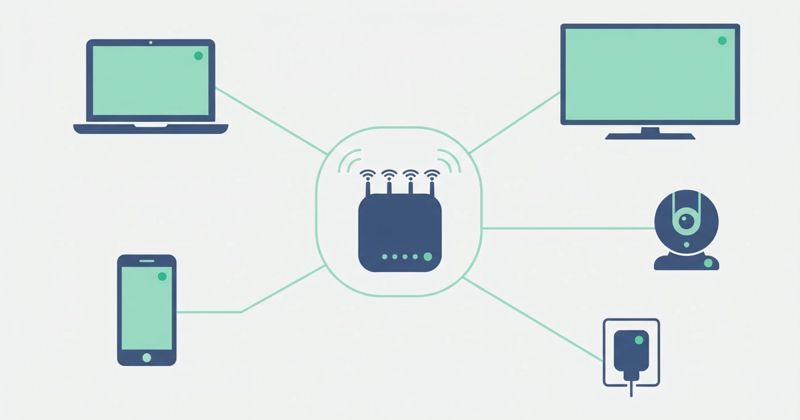
Total Security is a single subscription that protects several devices across the major platforms. Under one account you get real-time antivirus and anti-malware scanning, multi-layered ransomware protection, web and anti-phishing filtering, a privacy firewall (on Windows), performance optimization tools, parental controls, and a basic VPN. The idea is to replace half a dozen separate apps with one dashboard that follows you from your laptop to your phone.
Protection and features
This is where Bitdefender earns its reputation. In independent lab testing it is consistently near the top: in AV-TEST's home-user Windows evaluations it has repeatedly earned perfect marks across protection, performance, and usability, and AV-Comparatives named it a Top-Rated Product in its 2025 summary, with strong results in real-world protection and advanced threat protection tests. Detection is driven by signatures plus behavioural analysis that watches how programs act, so it can flag brand-new threats that don't yet have a signature.
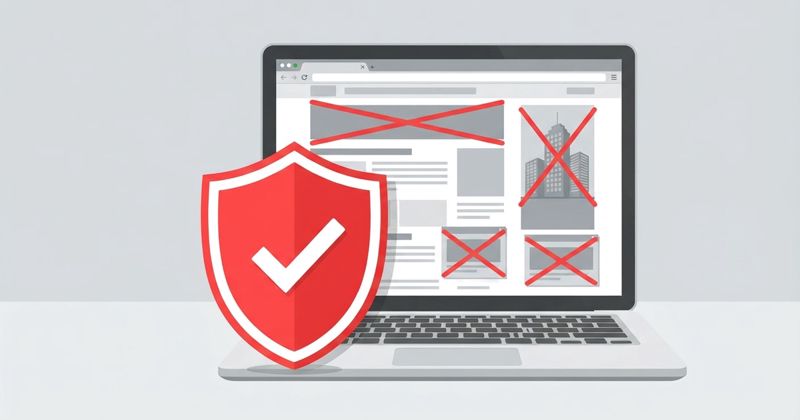
Beyond the core engine you get web attack prevention that blocks malicious and fraudulent pages before they load, anti-phishing and scam protection, network threat prevention, and cryptomining protection. Ransomware gets special attention through a "Safe Files" layer that guards designated folders from unauthorized changes. Rounding it out are a password manager, webcam and microphone monitoring, a file shredder, and system optimization tools.
Performance and system impact
Bitdefender is unusually light for how much it does. Idle system impact is minimal, and everyday browsing, gaming, or work rarely feels slower thanks to autopilot profiles that quiet down notifications and defer heavy tasks. The honest caveat: a full system scan is demanding. On the first deep scan, or on older, low-RAM machines, you can see sustained CPU load and noticeable lag until it finishes. Scheduling scans for when you're away from the keyboard solves this in practice.
Ease of use
The interface is clean and beginner-friendly. Autopilot makes sensible security decisions for you, so out of the box you can install it and largely forget it. Most people never need to touch the advanced settings — though power users will find the firewall and some modules offer fewer customization knobs than rivals.
Pros
- Top-tier, independently verified malware and ransomware protection
- Light on system resources during normal use
- Genuinely multi-device: one licence spans Windows, macOS, Android, and iOS
- Loaded feature set — web protection, password manager, parental controls, optimizer, and more
- Simple enough for beginners, with an autopilot that just works
Honest cons
- The VPN is data-capped in this tier. Total Security bundles a VPN limited to roughly 200 MB per device per day — fine for a quick secure connection, but not enough to stream or browse all day. Unlimited VPN is a separate paid upgrade.
- Some features are Windows-only. The privacy firewall, file shredder, anti-theft, and system optimizer are Windows features. If your household leans heavily on Macs, iPhones, and iPads, you're paying for tools you can't fully use.
- Upsells and notifications. Expect prompts to add Premium VPN, identity protection, or a higher tier. They're dismissible but present.
Who it's for
Total Security is a strong fit for a household or individual with a mix of Windows and mobile devices who wants excellent protection without micromanaging it. If you're mostly on Windows, you'll use nearly every feature. If you need an always-on VPN, plan to either upgrade or pair it with a dedicated VPN — the bundled one is a convenience, not a replacement. And if your whole world is Apple, know that a chunk of the extras won't apply to you.
Verdict
Bitdefender Total Security remains one of the safest picks in consumer security: elite, lab-proven protection, a light footprint, and a deep toolkit under one friendly dashboard. Its weak points are honest and manageable — a data-capped VPN, a few Windows-only extras, and the usual upsell nudges. For most people who want strong, low-effort protection across several devices, it's an easy recommendation. With the current 50% off promotion live, it's a good moment to buy — just confirm the current pricing at checkout, since the exact figure varies by region and term.
▶ Get Bitdefender Total Security
Sources