TotalAV Review: A Beginner-Friendly Antivirus With a Renewal You Must Watch
TotalAV is cheap in year one, lab-certified, and easy to understand. It is also built around upsells and a renewal several times the introductory price. What it protects against, what each plan includes, and how to buy it without being surprised in month twelve.
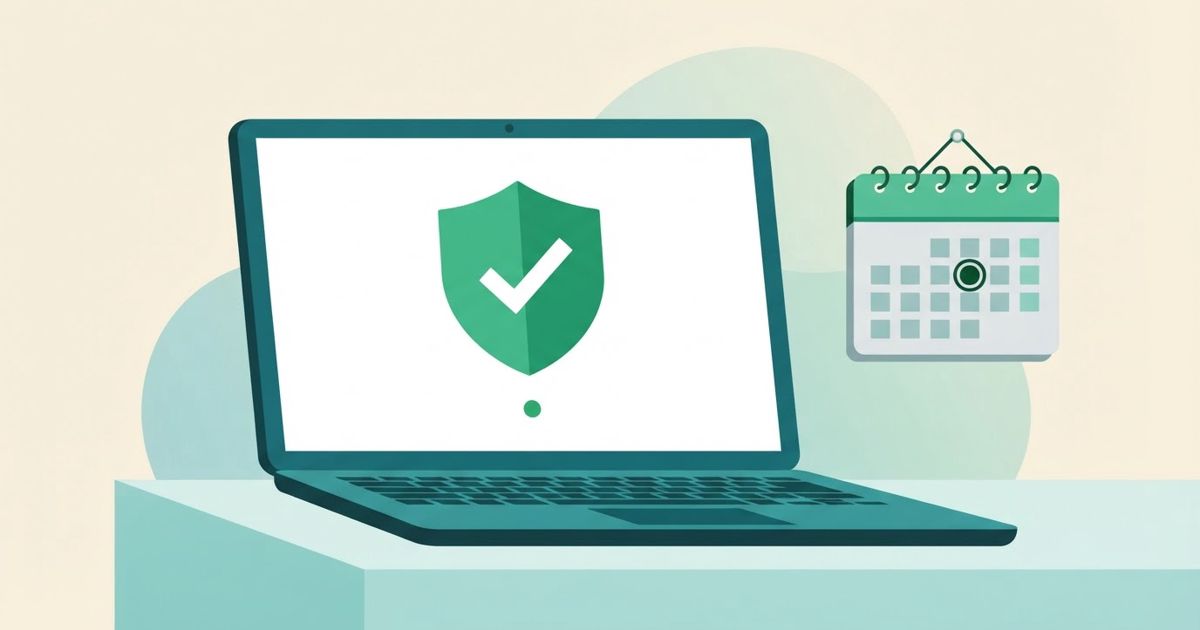
Table of contents
TotalAV is the antivirus you have almost certainly seen advertised: cheap first year, big green "protected" checkmarks, and a free scanner that finds something on every PC it touches. Behind the marketing sits a real product from Total Security Ltd, a UK company with a US office in Boston, that now ships Windows, Mac, Android and iOS apps and carries current certificates from AV-Test and AV-Comparatives. This review is written for people who have never bought an antivirus before and want to know two things: does it protect you, and what will it actually cost you in year two.
What TotalAV is
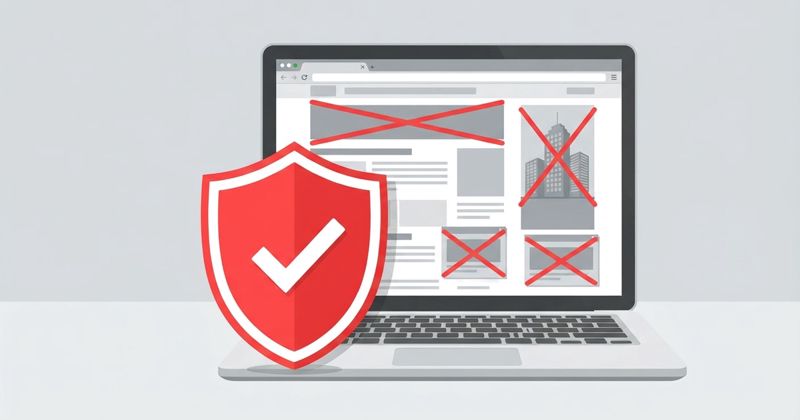
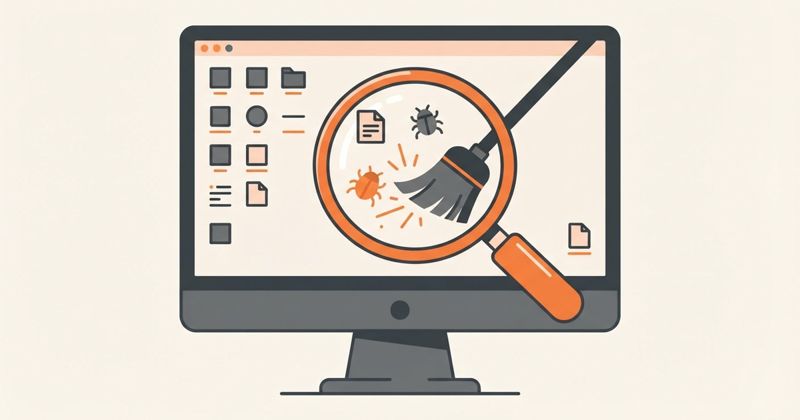
TotalAV is a consumer security suite built around a real-time antivirus engine. The engine checks downloads, installers and running programs as they appear, runs scheduled "Smart Scans", and blocks phishing and spoofed websites through a browser component called WebShield. On top of that core, the paid plans bundle other products from the same company: an ad blocker (Total Adblock), a VPN (TotalVPN), a password vault (Total Password), data-breach monitoring for your email address, and a set of tune-up tools such as a disk cleaner and a browser cleaner.
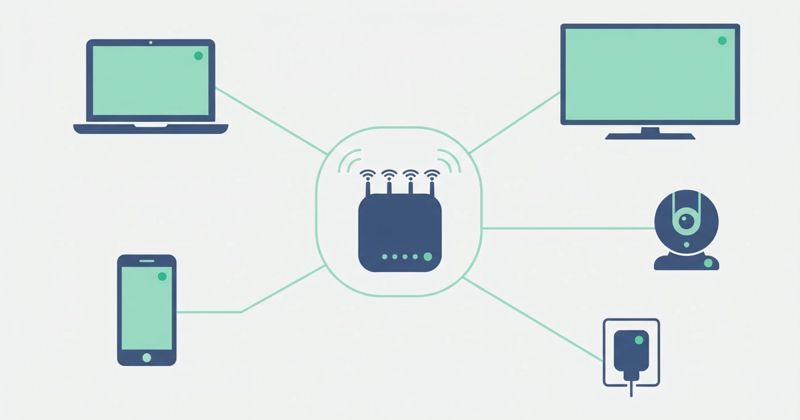
The important thing to understand is that TotalAV is a family of separate subscriptions wearing one logo. The antivirus plans include some of the extras, but each product also exists on its own, with its own billing and its own cancellation. If you have ever been confused by a Total Adblock charge after buying "the antivirus", that is why.
How well does it protect?
This is the part the ads get right. In the independent tests that matter for beginners, TotalAV currently holds:
- AV-Test "Top Product" certification for Windows (February 2026 round).
- AV-Comparatives malware protection award (March 2026).
- VB100 certification (January 2026).
- AppEsteem "Deceptor Fighter" status, which specifically means its installer and marketing passed checks against deceptive practices.
Translated: it catches mainstream malware at the same level as the big names, and its own installer does not behave like the junk it removes. Reviewers who run their own malware samples report the same picture, with near-complete detection of known threats and solid real-time blocking of malicious downloads. WebShield is genuinely useful for beginners because phishing pages, not viruses, are what most people actually run into.
What it is not: a security suite with a firewall, parental controls or the kind of deep ransomware rollback that Bitdefender and Norton sell. For most home users that is fine. Windows already has a firewall. If you want to compare the upper end of the market, our Bitdefender Total Security review covers what the extra money buys.
The plans and what they cost
TotalAV's prices are the thing to read slowly. The company advertises a low introductory price for the first year, and the plan then renews at the regular rate, which is several times higher. At the time of writing, the US site shows:
| Plan | First year | Regular rate | Devices | Includes |
|---|---|---|---|---|
| TotalAV Plus (Antivirus Pro) | $19 | $99/year | 4 | Real-time AV, WebShield, ransomware protection, tune-up tools, Total Adblock |
| Internet Security | $39 | $129/year | 6 | Everything in Plus + TotalVPN |
| Total Security | $49 | $149/year | 8 | Everything in Internet Security + Total Password |
Device counts and intro prices move with campaigns; some reviewers saw $29 for the entry tier and three devices. Renewal figures have been stable for years. Introductory pricing is for first-time customers only.
The refund policy is clear and worth knowing: 30 days money back on annual and biannual plans, 14 days on monthly, quarterly and add-on services. To get it you must fully terminate the subscription in your account, not just switch off auto-renew, and access ends when the refund is approved.
Get TotalAV with the introductory price
Using it day to day
The apps are the most beginner-friendly part of the product. There is one big scan button, a traffic-light status, and plain-English explanations of what each finding is. Scans are quick on modern hardware. The Windows app installs its browser extension for WebShield and the ad blocker in one flow.
Two habits of the software you should know about:
- It upsells inside the app. The free scanner and the paid app both show "issues" such as tracking cookies and junk files, with a button that leads to the next tier. None of these are dangerous. Treat them as housekeeping, not a reason to upgrade.
- Auto-renew is on by default and the renewal email arrives shortly before the charge. Put a reminder in your calendar for 11 months after purchase. You can turn off auto-renew in the account dashboard in about a minute.
The bundled extras, honestly
- Total Adblock is a competent blocker and the one extra most people will use daily. We have a separate Total Adblock review.
- TotalVPN (Internet Security and above) is a basic VPN: AES-256, kill switch, DNS leak protection, enough for public Wi-Fi. It is not a streaming or privacy specialist, and it has no independent no-logs audit.
- Total Password (Total Security only) is a simple vault with autofill. Fine if you have no password manager at all; see how to choose a password manager before you rely on it.
- Data Breach Monitoring checks your email address against public breach lists, the same information you can get free from Have I Been Pwned.
Who should buy it, and which plan
Buy TotalAV Plus if you want a certified antivirus that explains itself, you have up to four devices, and you are comfortable setting a reminder to review the price before year two. The $19 first year is one of the cheapest ways to get lab-certified protection with a real support desk behind it.
Skip the higher tiers unless you specifically want the VPN or vault in the same bill. A standalone VPN with an audited no-logs policy and a dedicated password manager are better products, as we explain in VPN vs antivirus vs password manager.
Skip TotalAV entirely if you will forget to manage the renewal. At $99 to $149 a year the regular price is not a bargain, and Microsoft Defender plus careful habits is a reasonable free baseline for a single PC.
Verdict
TotalAV protects well, installs cleanly and is easy for a first-time user to understand. The product's weakness is commercial, not technical: aggressive upsells and a steep renewal. Take the introductory year, switch off auto-renew, and decide at month eleven whether the regular price is worth it to you.
Start with TotalAV's introductory offer
Sources
- TotalAV — official product pages, pricing and refund policy totalav.com
- Cybernews — TotalAV antivirus review 2026 cybernews.com
- Security.org — TotalAV review and pricing 2026 security.org
- Antivirus-Review.com — TotalAV plans, first term and renewal pricing antivirus-review.com